🎅 Free Christmas Stickers for WhatsApp: 36 Santa PNG Stickers
These are 36 free Christmas stickers as PNG files with a transparent background, sized 512 × 512 px like WhatsApp stickers. Tap Download or Share, then turn the image into a sticker inside WhatsApp, no extra app needed.
⬇ Download all 36 stickers (.zip)About this Christmas sticker pack
| Stickers | 36 Christmas stickers |
|---|---|
| Format | PNG with a transparent background |
| Size | 512 × 512 px, the same as WhatsApp stickers |
| Themes | Santa Claus (11), characters and animals (10), emoji faces in Santa hats (3), decorations and food (12) |
| Price | Free for personal use, no sign-up |
| Published | October 31, 2026 |
Santa Claus stickers 11

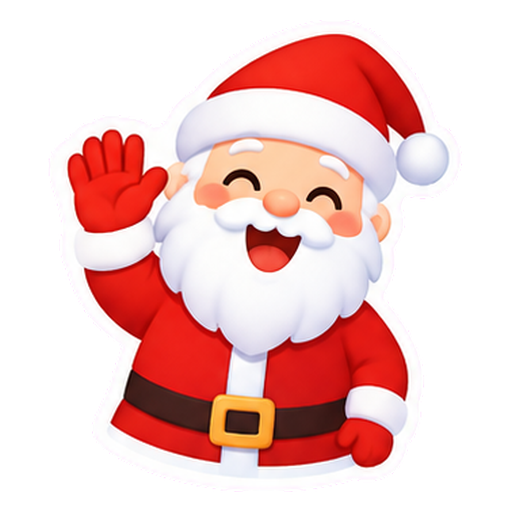
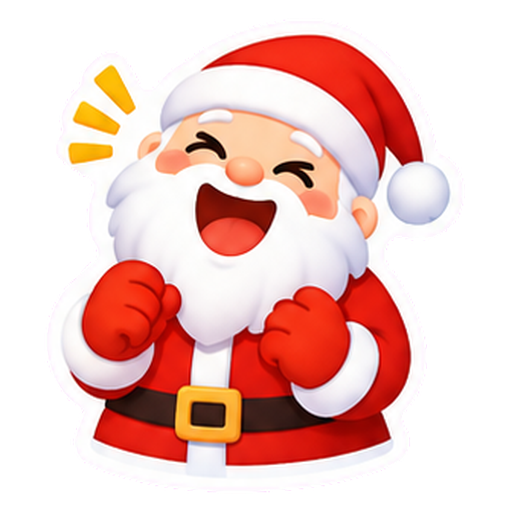

Christmas character and animal stickers 10
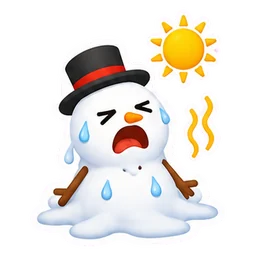
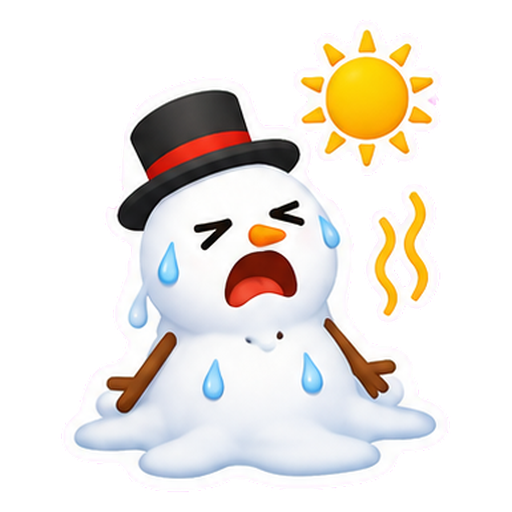


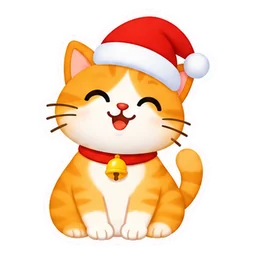
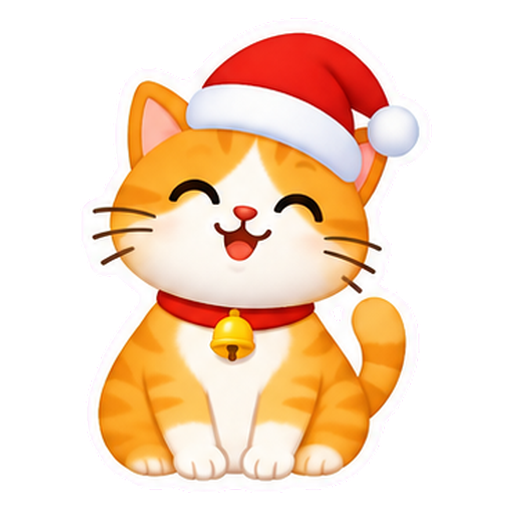
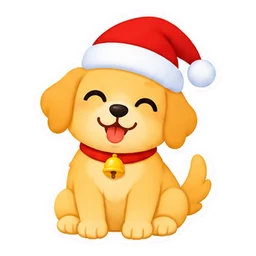
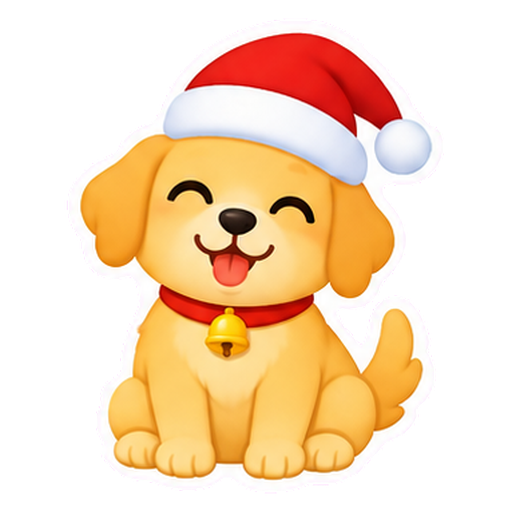


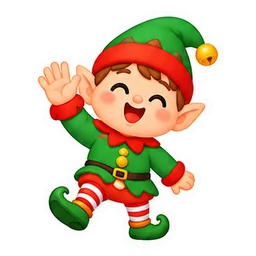
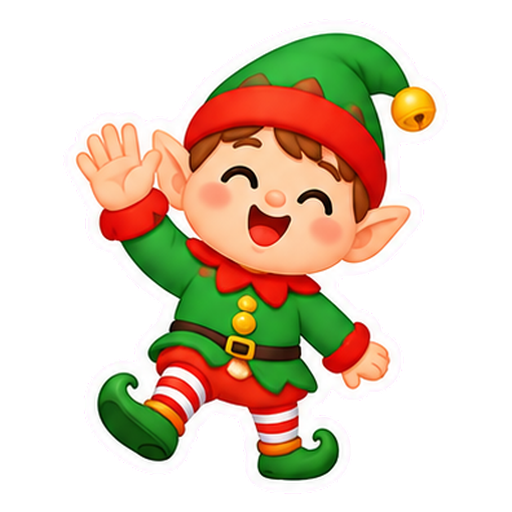
Christmas emoji faces in a Santa hat 3




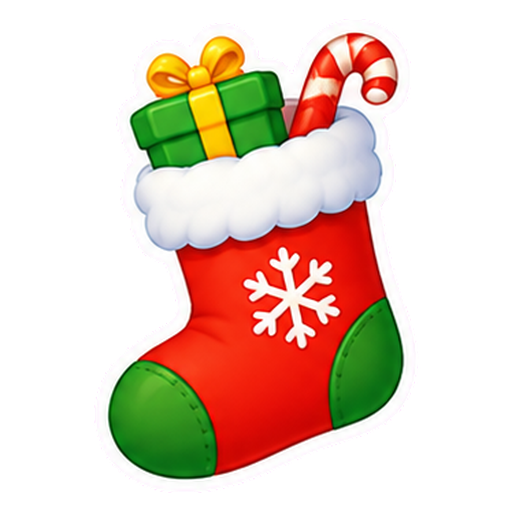
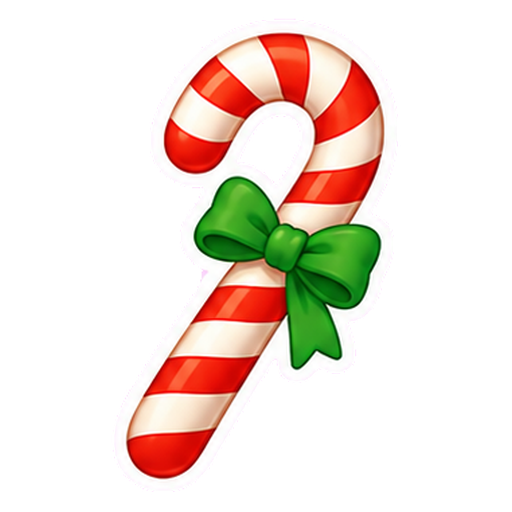
Christmas decoration and food stickers 12










How to turn the image into a WhatsApp sticker
- Tap Download on the Christmas sticker you want. The PNG image is saved to your gallery or downloads folder.
- Open a chat in WhatsApp and tap the sticker icon next to the message box.
- Tap Create sticker (the + or pencil icon) and choose the image from your gallery.
- Adjust the cutout if you like and send it. The sticker stays saved in WhatsApp so you can use it again.
On iPhone, creating stickers needs iOS 17 or later. On a computer, the same button is in WhatsApp Web. If you do not see the option, update WhatsApp.
A .zip file with all 36 PNG images (about 7 MB).
Which Christmas sticker to send for each moment
| Moment | Stickers that fit |
|---|---|
| Good morning on Christmas Day in the family chat | Santa waving / Smiley face in a Santa hat |
| Replying to a "Merry Christmas" | Santa blowing a kiss / Christmas tree |
| Joking about a hot summer Christmas | Santa at the beach / Snowman melting in the heat |
| Saying the gifts are on their way | Santa with a gift sack / Santa in his sleigh |
| Planning Christmas dinner | Panettone / Roast turkey |
| Tired after Christmas dinner | Tired Santa asleep |
| Secret Santa | Gift box / Christmas stocking |
| Wishing a happy New Year | Champagne toast / Fireworks |
Merry Christmas sticker with a name or message
Want a Christmas sticker with your name or a Merry Christmas message? In the Christmas card maker, choose the transparent background and the square format, add Santa, hats and emoji, type your text and save it as PNG. The saved image becomes a sticker the same way as explained above.
Frequently asked questions
Are the Christmas stickers on this page free?
Yes. All 36 stickers can be downloaded and shared for free for personal use, with no sign-up. Reselling the images is not allowed.
How do I make a Christmas sticker in WhatsApp without an app?
Download a PNG from this page and use Create sticker in the WhatsApp sticker menu. You do not need to install another app.
Why do the stickers have a transparent background?
With a transparent background the sticker shows only the drawing and its white border, with no square around it, in both the light and dark WhatsApp themes.
Can I use the stickers on a photo or in my status?
Yes. After saving the sticker in WhatsApp, open the editor for a photo or a status update, tap the sticker icon and pick the one you want.
More for Christmas
Illustrations made for Emoji Keyboard (emoji.heoja.info). Published October 31, 2026.