😂 Funny Stickers and Meme Stickers for WhatsApp
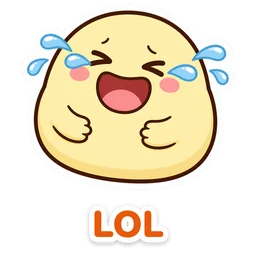
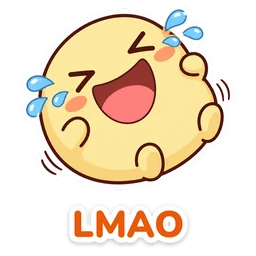
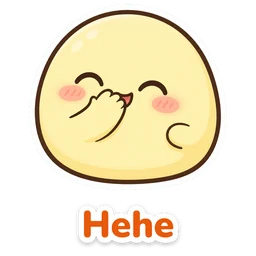
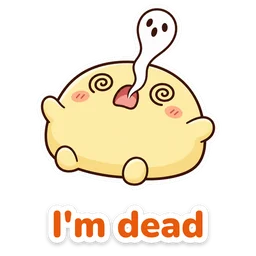
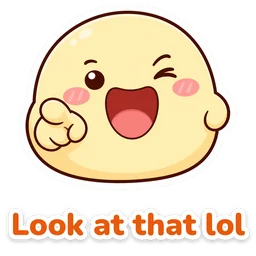
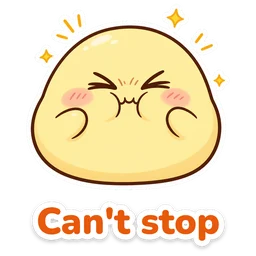
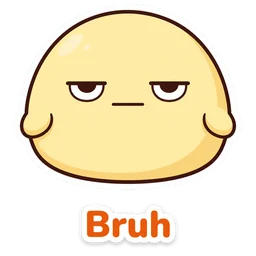
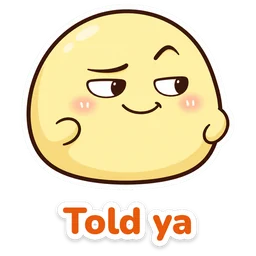
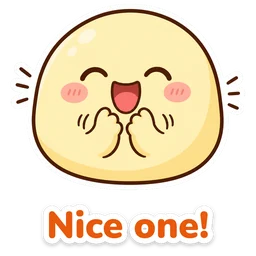
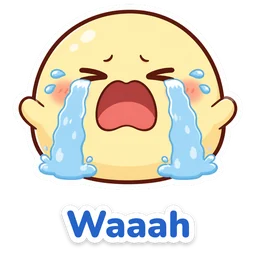
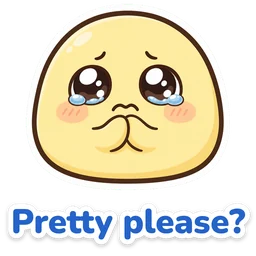
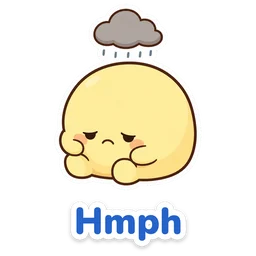
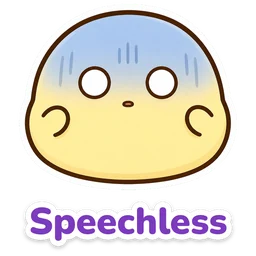
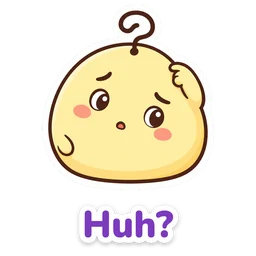
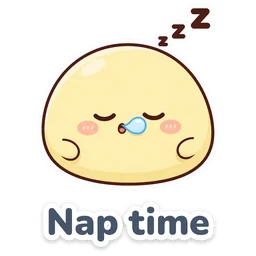
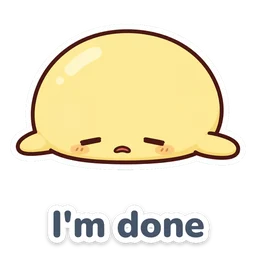
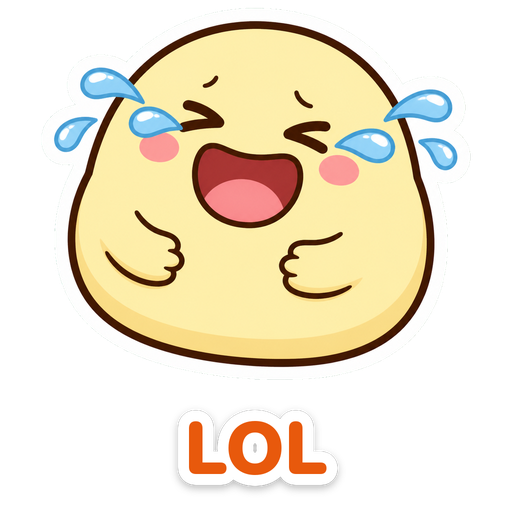
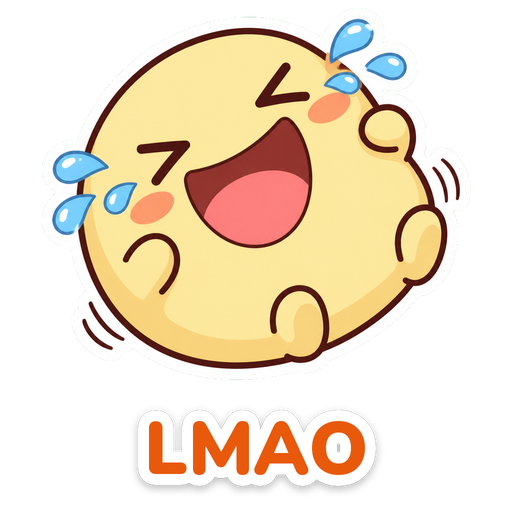
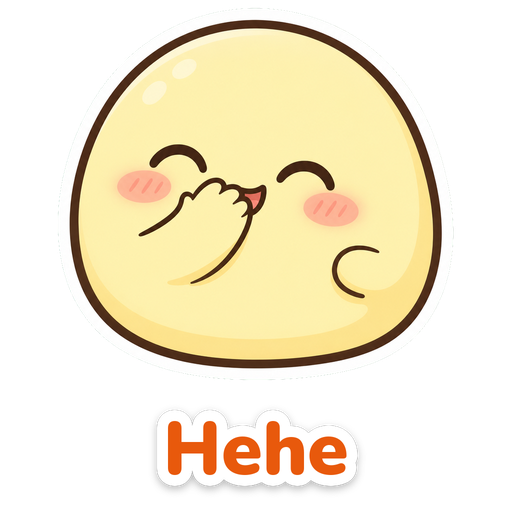
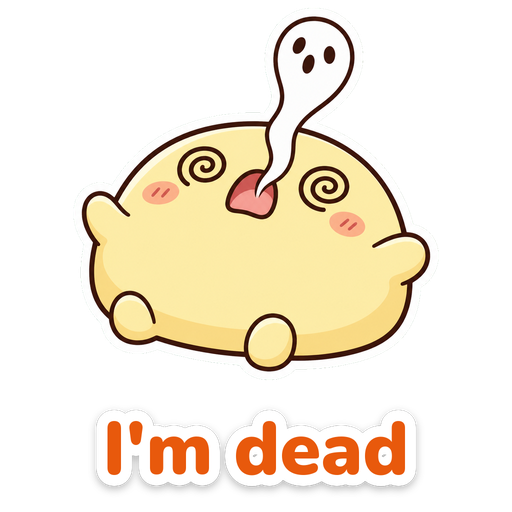
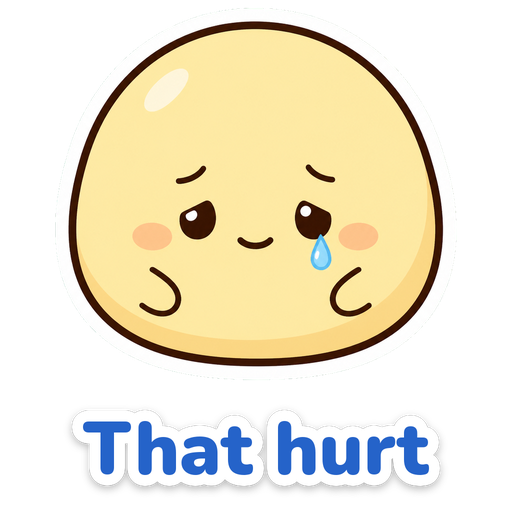
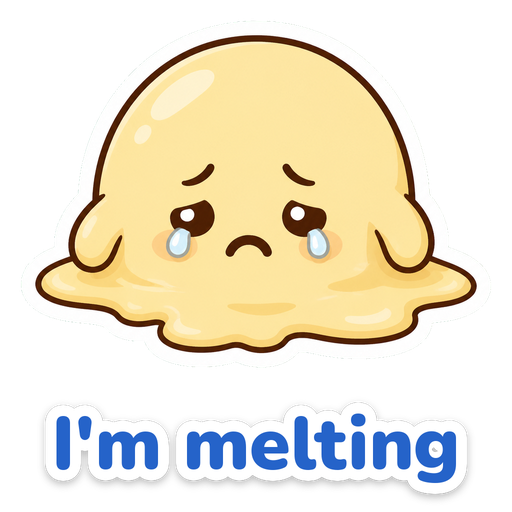
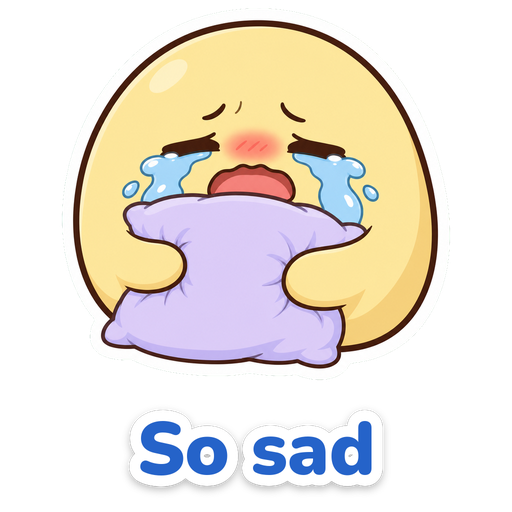
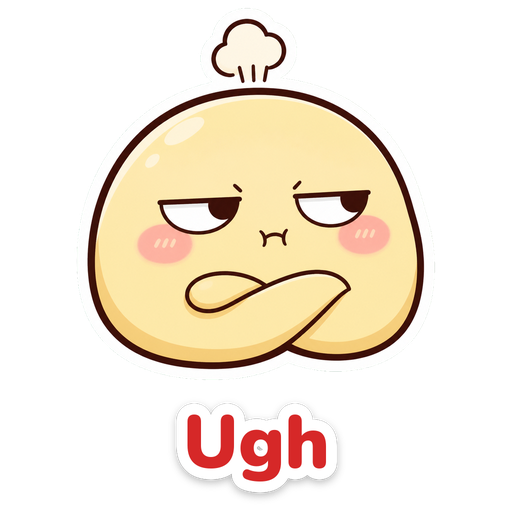
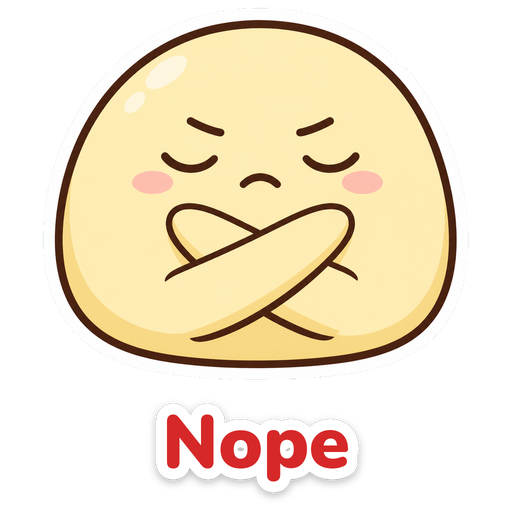
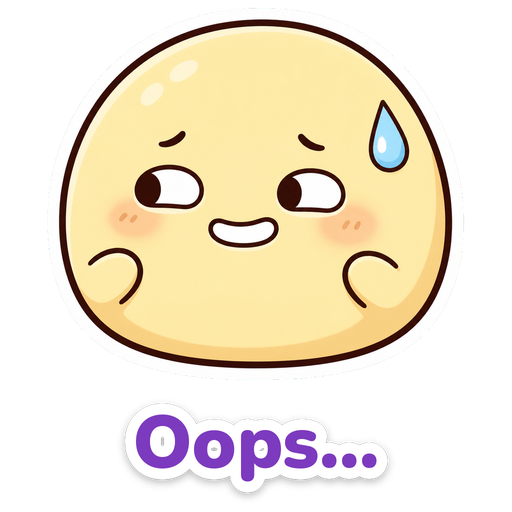
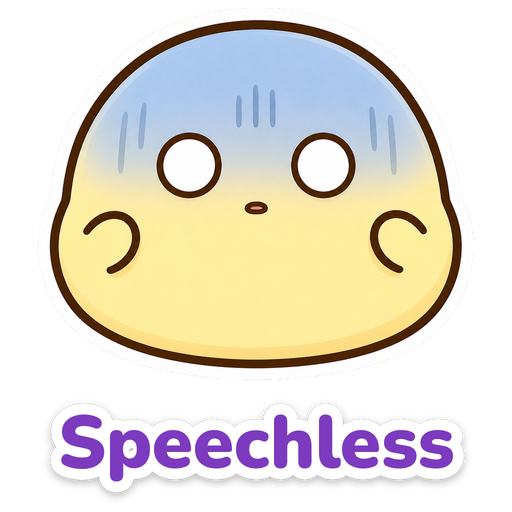
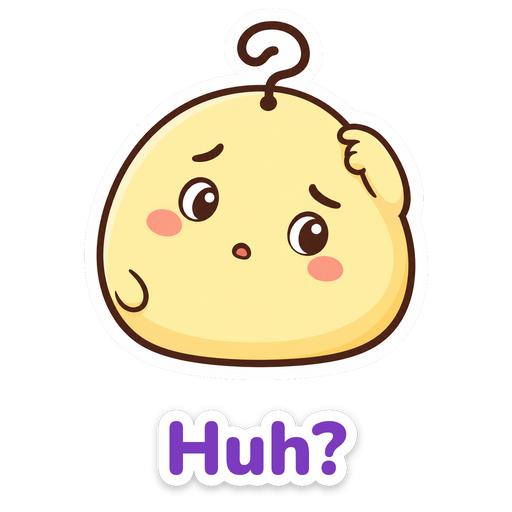
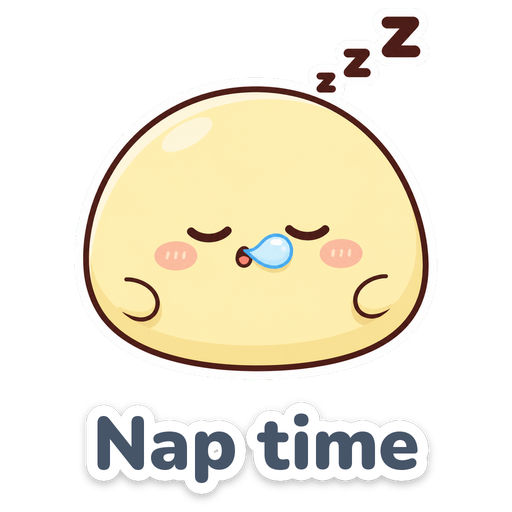
These are 36 free funny stickers with the replies people send all day, like "LOL", "Bruh", "I'm dead" and "Nope". They all star the same little character drawn just for this site, as 512 × 512 px PNG files with a transparent background, the WhatsApp sticker size. Tap Download or Share, then create the sticker inside WhatsApp.
⬇ Download all 36 stickers (.zip)About this funny sticker pack
| Stickers | 36 stickers with a short reply |
|---|---|
| Format | PNG with a transparent background |
| Size | 512 × 512 px, the same as WhatsApp stickers |
| Themes | Laughing (9), sad (6), angry (6), shocked (6), tired (3), happy (6) |
| Price | Free for personal use, no sign-up |
| Published | November 2, 2026 |
Laughing stickers 9
Sad and crying stickers 6
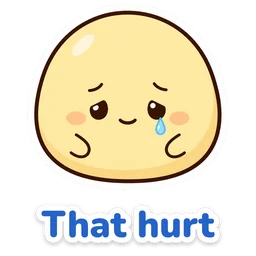
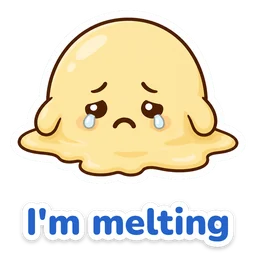
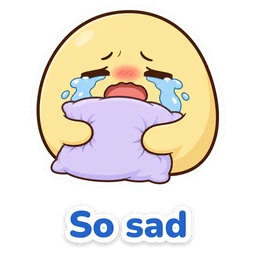
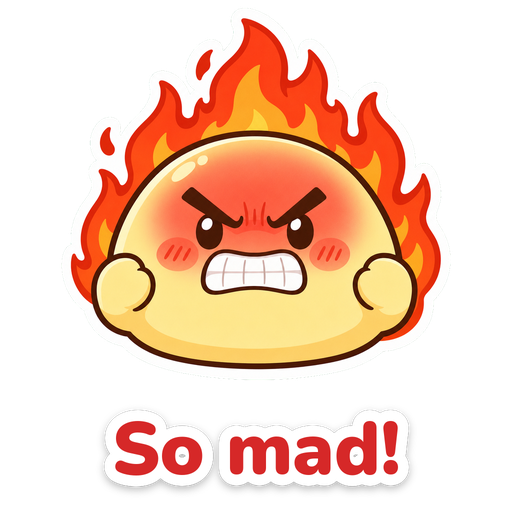
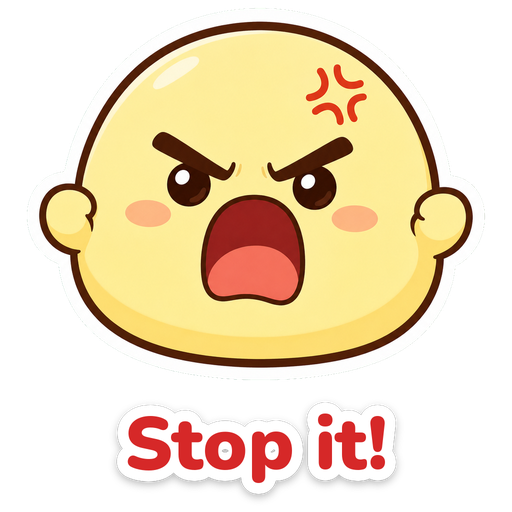
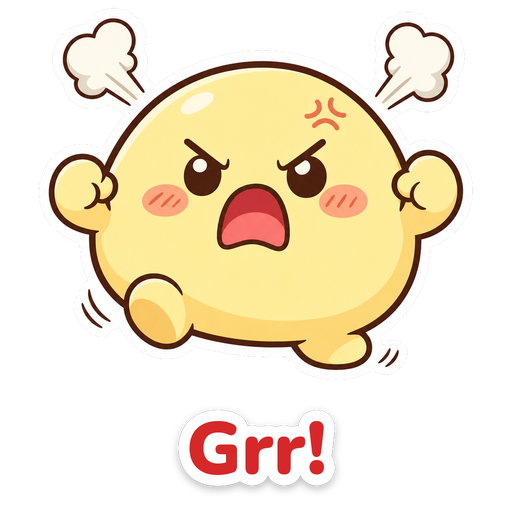
Angry stickers 6
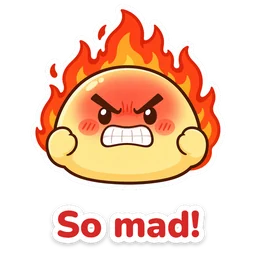
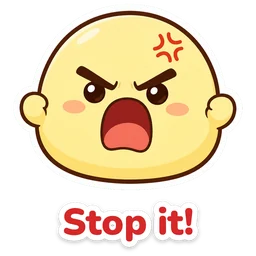
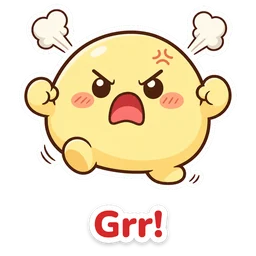
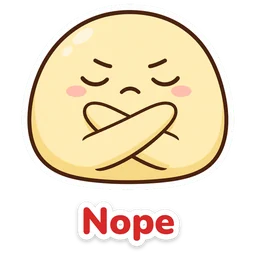
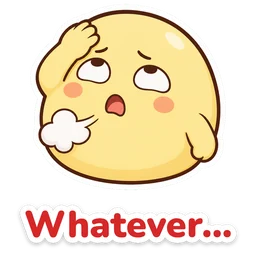
Shocked and awkward stickers 6
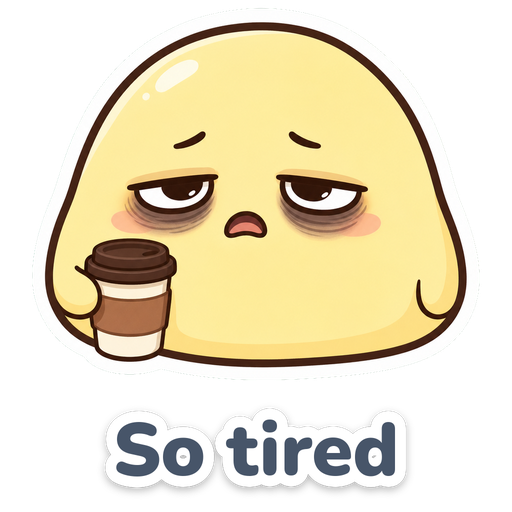
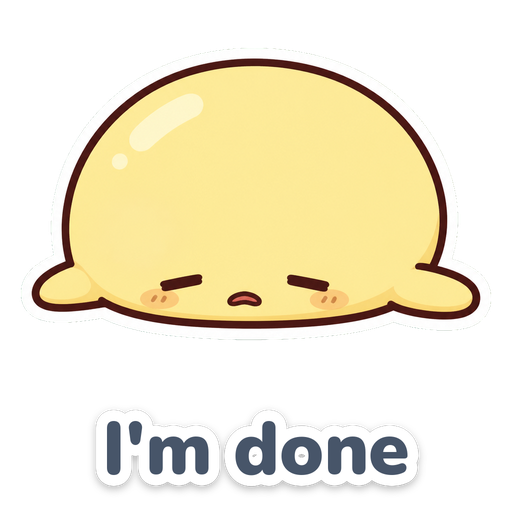
Sleepy and tired stickers 3
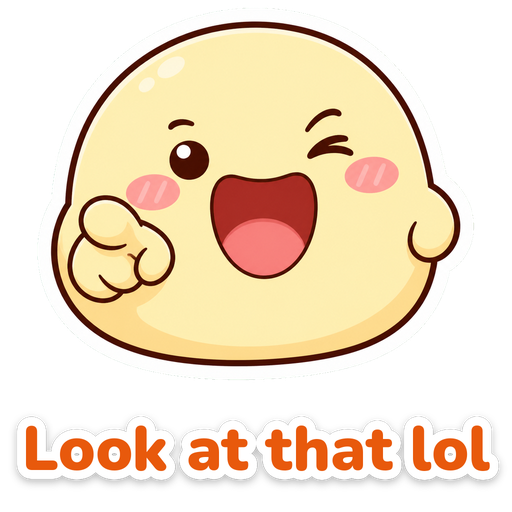
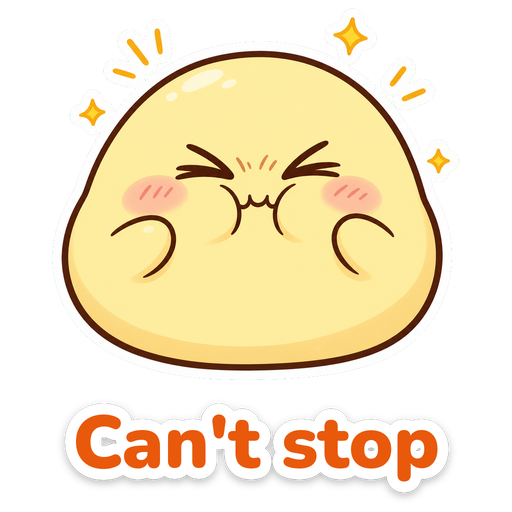
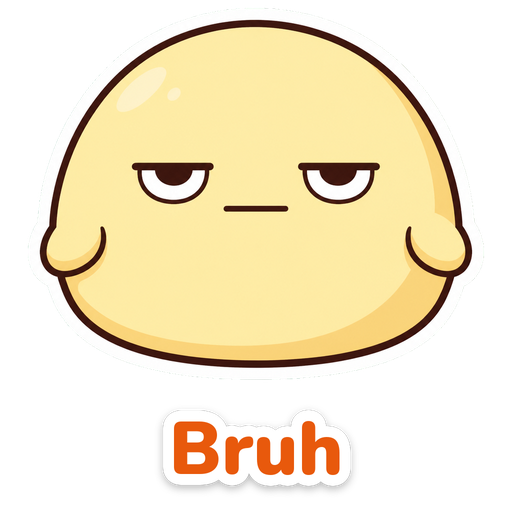
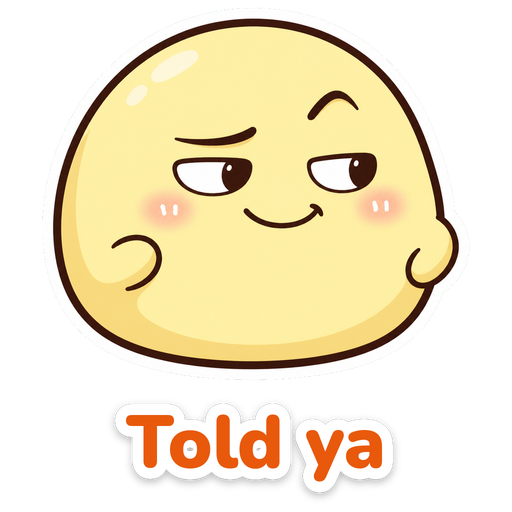
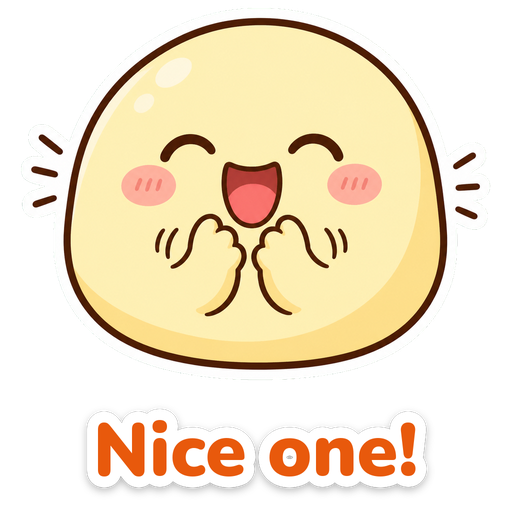
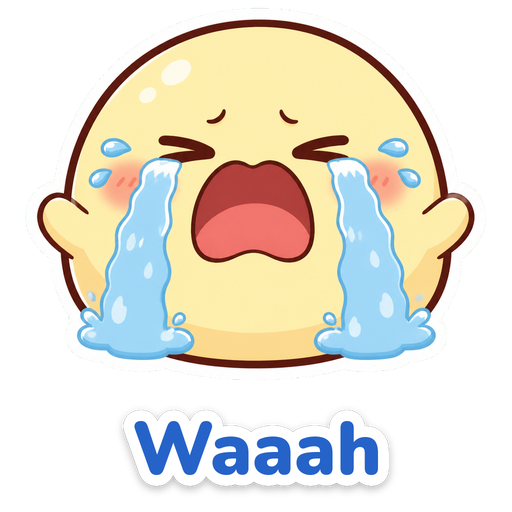
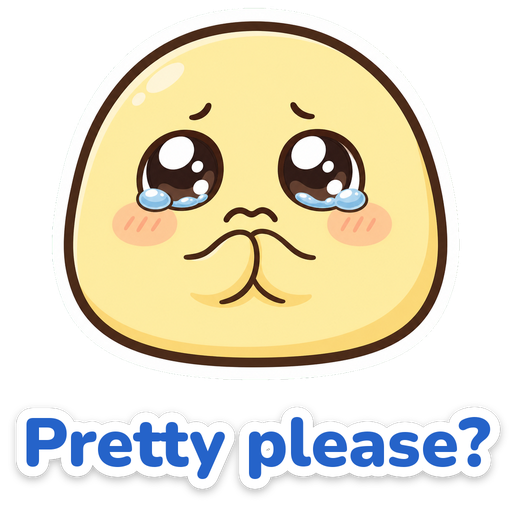
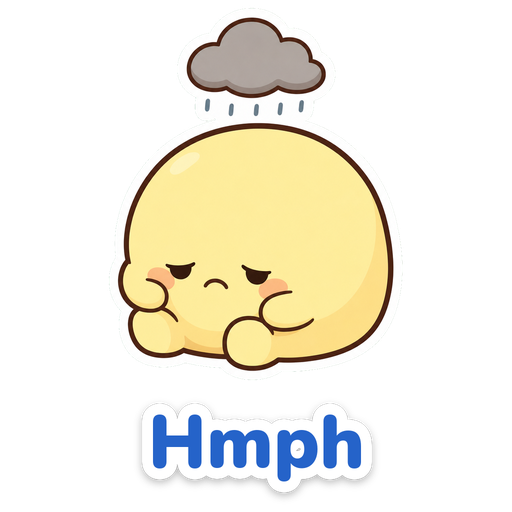
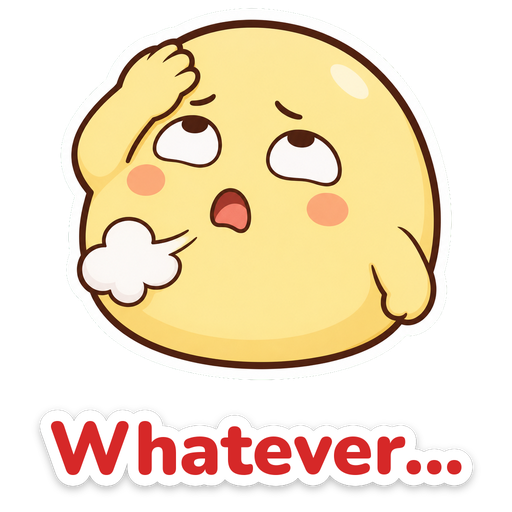
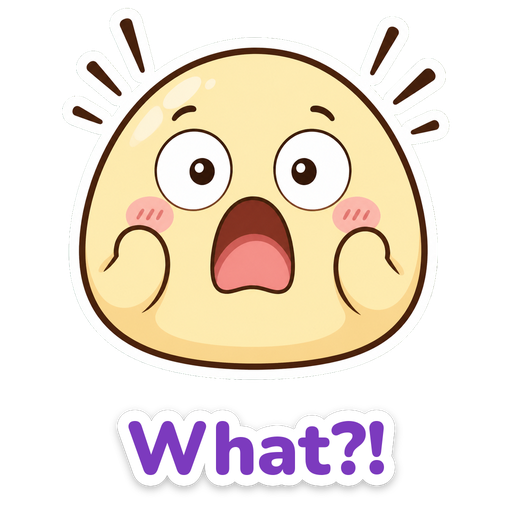
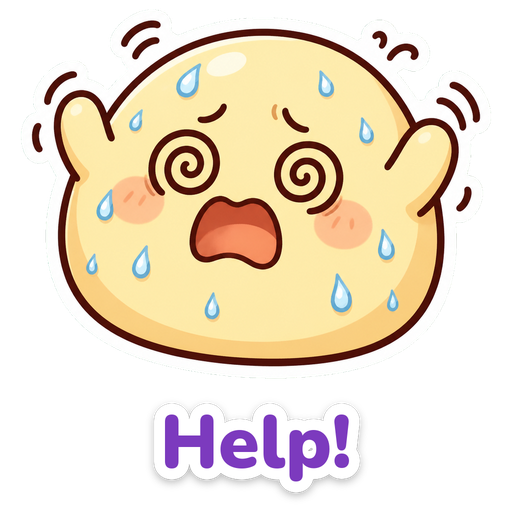
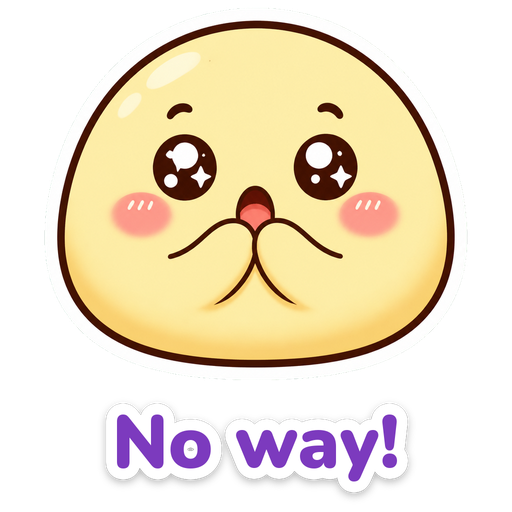
Happy stickers 6




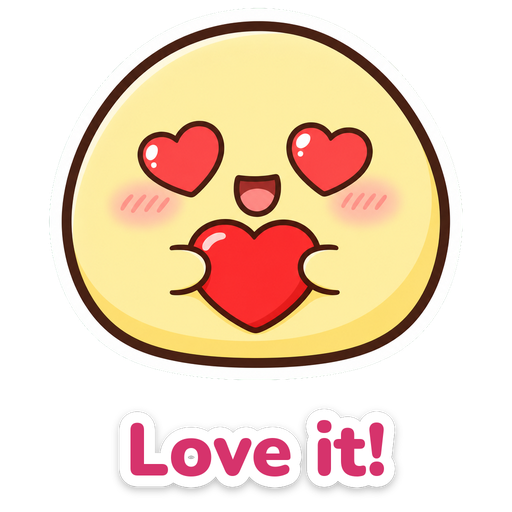
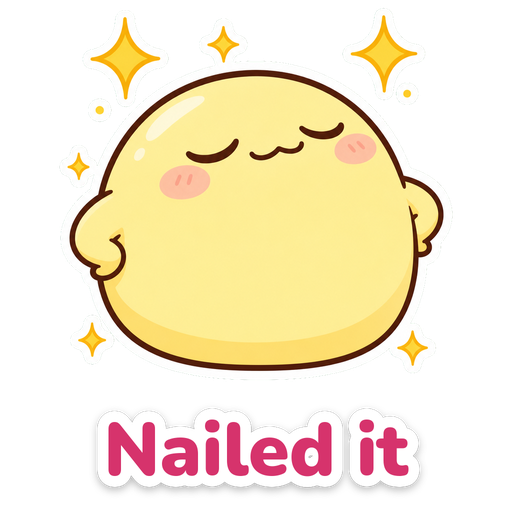
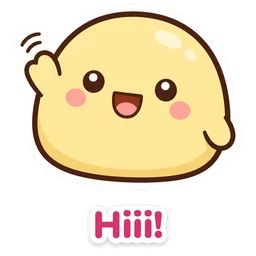
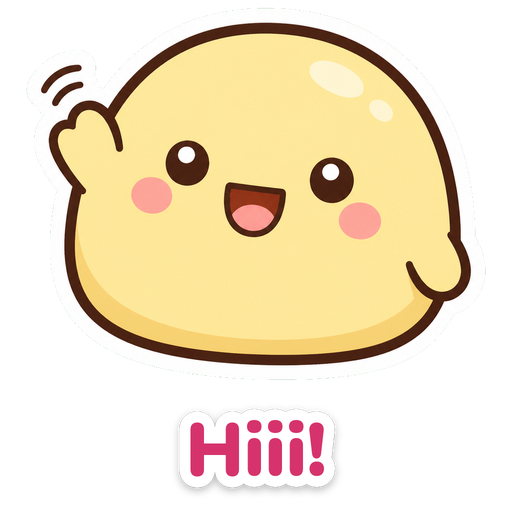
How to turn the image into a WhatsApp sticker
- Tap Download on the funny sticker you want. The PNG image is saved to your gallery or downloads folder.
- Open a chat in WhatsApp and tap the sticker icon next to the message box.
- Tap Create sticker (the + or pencil icon) and choose the image from your gallery.
- Adjust the cutout if you like and send it. The sticker stays saved in WhatsApp for your next reply.
On iPhone, creating stickers needs iOS 17 or later. On a computer, the same button is in WhatsApp Web. If you do not see the option, update WhatsApp.
A .zip file with all 36 PNG images.
Which funny sticker to send for each moment
| Moment | Stickers that fit |
|---|---|
| A friend sends a great meme | LOL / I'm dead |
| Someone says something silly in the group | Look at that lol / Bruh |
| You called it | Told ya / Nailed it |
| Asking for a favor | Pretty please? / So sad |
| Monday morning | 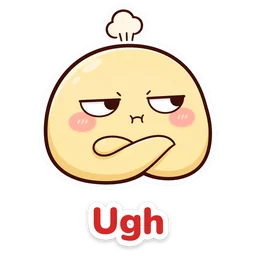 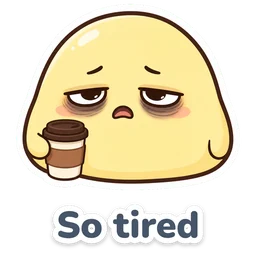 Ugh / So tired |
| Unexpected news | 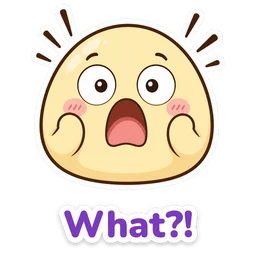 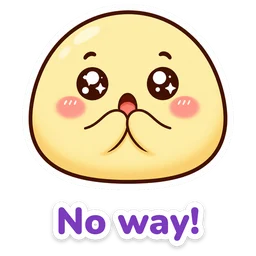 What?! / No way! |
| You messed up in the family chat | 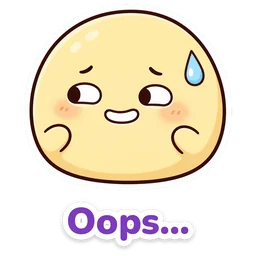 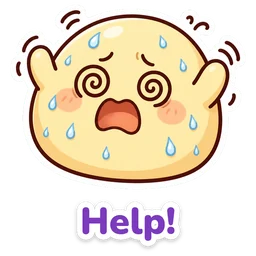 Oops... / Help! |
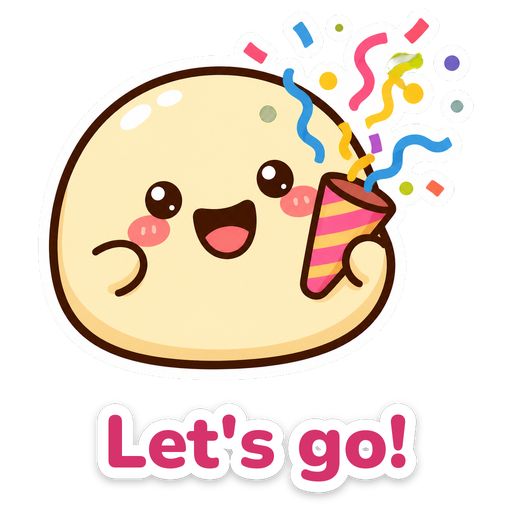
| Saying yes to plans | Let's go! / Deal! |
Funny sticker with your own words
Want a sticker with a different line, a nickname or an inside joke? In the card maker, choose the transparent background and the square format, add a laughing or shocked emoji, type your words and save it as PNG. The image becomes a sticker the same way as explained above.
Frequently asked questions
Are these funny stickers free?
Yes. All 36 stickers can be downloaded and shared for free for personal use, with no sign-up. Reselling the images is not allowed.
Do these meme stickers use photos of famous memes?
No. The character was drawn for this site and does not use photos of people, TV shows or cartoon characters, so you can send them anywhere.
How do I make a meme sticker in WhatsApp without an app?
Download a PNG from this page and use Create sticker in the WhatsApp sticker menu. You do not need to install another app.
Can I change the words on a sticker?
The words are part of the image. For a different line, build your own in the card maker with a transparent background and save it as PNG.
See also
Illustrations made for Emoji Keyboard (emoji.heoja.info). Published on November 2, 2026.